The Home Theatre EngineerLet's Talk Client login
Menu
Troubleshooting

Something isn't right. Let's find out why.

You don't need to diagnose it before calling me. That's my job.

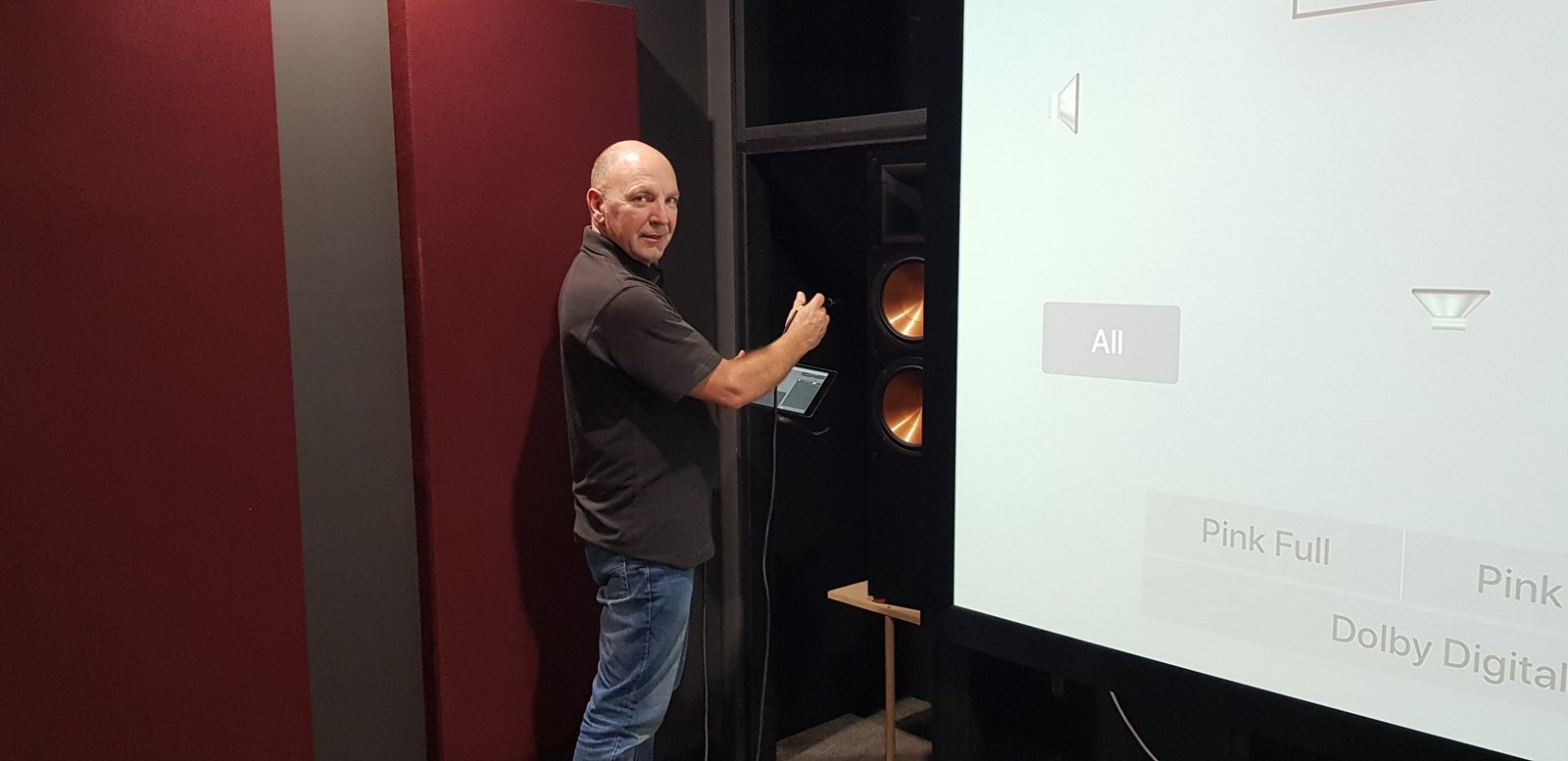
Home theatre engineer inspecting a speaker installation beside a projection screen

Support & troubleshooting

Something not working as it should?

From a missing picture or silent speakers to complex video and audio configuration, I can help you understand what has gone wrong — and what to do next.

Start with the problem

Home theatre support

You don't need to know the cause before getting in touch. Describe what you're seeing or hearing, and we'll work through the likely causes methodically.

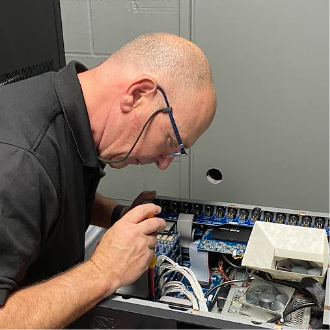
Technician examining internal wiring and electronic components during fault diagnosis
01 / GENERAL TROUBLESHOOTING

No picture, no sound — or something simply won't work

Power and startup problems, incorrect inputs, intermittent HDMI connections, control-system confusion, cabling questions and other practical faults. Some problems can be resolved remotely; physical faults may require an on-site visit or local technician.

Get general support ↗
02 / IMAGE ISSUES

The picture doesn't look right

Unexpected aspect ratios, incorrect colours, washed-out HDR, crushed shadow detail, unusual brightness, handshake problems, scaling or video-path configuration. Diagnosis comes before adjustment.

Get image support ↗
03 / AUDIO ISSUES

The sound isn't doing what it should

Missing channels, dialogue clarity, incorrect surround playback, subwoofer integration, level imbalance, unexpected bass response, routing and configuration questions.

Get audio support ↗
04 / PERFORMANCE ASSESSMENT

Everything works, but could it work better?

A structured review of the room, equipment settings and measured performance to identify genuine improvements — or confirm that the system is already performing well.

Request an assessment ↗

Specialist remote assistance

Product-specific dial-in support

Support is provided independently by The Home Theatre Engineer (THTE). This is not an official madVR, Barco or Trinnov manufacturer support channel.

Targeted help with three specialist product families. Remote access is arranged only where your equipment, network and permissions allow it. No unattended access is implied.

madVR Envy

Independent specialist assistance from The Home Theatre Engineer — not the manufacturer’s official technical support.

Video processor setup and troubleshooting, including:

  • Input and output configuration
  • Aspect ratio and scaling behaviour
  • HDR and tone-mapping settings
  • Signal-path and compatibility checks
Request madVR Envy support from THTE ↗

Trinnov processors

Independent specialist assistance from The Home Theatre Engineer — not the manufacturer’s official technical support.

Audio processor configuration and troubleshooting, including:

  • Speaker layout and channel routing
  • Presets and bass-management review
  • Optimiser configuration questions
  • System integration and playback issues
Request Trinnov processor support from THTE ↗

Lumagen Radiance Pro

Independent specialist assistance from The Home Theatre Engineer — not the manufacturer’s official technical support.

Video processor setup and troubleshooting, including:

  • Input/output routing and format compatibility
  • Aspect ratio, scaling and NLS configuration
  • HDR tone mapping and display matching
  • CMS/LUT selection and configuration checks
Request Lumagen Radiance Pro support from THTE ↗

Barco projectors

Independent specialist assistance from The Home Theatre Engineer — not the manufacturer’s official technical support.

Projector configuration and picture-related support, including:

  • Source and signal configuration
  • Picture modes and setup review
  • Image geometry and format questions
  • Performance and calibration-related checks
Request Barco projector support from THTE ↗

NLS+ profile preparation

We can add an NLS+ profile to your madVR Envy, providing AutoFit for Scope and 16:9 screens. Simply create a system backup using the EnvyIPControl utility (or contact us if you need help with this), then send us a copy of the backup. We will add one NLS+ profile with one set of settings to the backup and provide the updated file for you to restore. This is an independent service provided by The Home Theatre Engineer (THTE) and is not affiliated with, authorised by or provided by madVR Envy.

Keep a copy of your original backup before applying any changes. We will confirm what is achievable from your backup before proceeding.

$50 — one NLS+ profile, one set of settings

This is a separate fixed-price service, not part of the 15-minute technical support rate. Remote access or additional troubleshooting, if needed, is discussed and charged separately.

View the $50 NLS+ Profile Add-on ↗

Straightforward support pricing

Professional technical support

$45 per 15 minutes

Professional support billed in 15-minute increments.

We start with a voice or video call to understand and troubleshoot the problem. Where appropriate, we can then arrange supervised remote access to your madVR Envy, Barco projector or Trinnov processor.

If a physical fault or installation issue requires an on-site visit, we'll discuss the next step and any separate attendance or travel charges before proceeding.

The rate and billing increments are confirmed before paid work begins. Currency to be confirmed at booking.

A clear process

How support works

  1. Tell me the equipment involved and what isn't working.
  2. We'll arrange a voice or video call as the first step, depending on what will help diagnose the problem.
  3. Before paid support begins, we'll confirm the $45 per 15-minute rate and the scope of the session.
  4. Where possible, we'll diagnose, adjust and verify the result during the call. For supported products, we may arrange a supervised remote-access session if appropriate.
  5. If physical work or further investigation is needed, we'll discuss an on-site visit and its separate arrangements before proceeding.
Voice or video first. On-site if needed.

Support begins with a paid voice or video session. Configuration and signal-path problems may be suitable for remote diagnosis or supervised dial-in support. Cabling, equipment failure, physical installation and some measurements require someone on site. On-site attendance, travel and specialist calibration are arranged and priced separately.

For remote sessions, please don't share passwords in your initial enquiry. Any access arrangements should be agreed directly before connecting.

Let's identify the problem

Not sure which category fits?

That's perfectly fine. Tell me what the system is doing, what you expected it to do, and which products you have. I'll help identify the most sensible next step.

Ask for help ↗

PERSONAL ASSISTANCE · FROM ANYWHERE

Show me what's happening.

Use your phone camera to show me the equipment, menus or problem while we talk. Where useful, we can also arrange remote computer assistance.

$50 for the first 20 minutes · $50 for each additional 15 minutes, with your approval.

Explore Remote Assistance ↗